Catalog Tools
ToolsAI Call analytics
Manager call dashboard: ranking, calls, talk minutes, clients and answered % — with a period filter and sorting by any metric.

Week
318Calls87%Answered412Minutes talked96Clients
Manager ranking
| Calls | Answered | Minutes | |
|---|---|---|---|
| Emma | 62 | 91% | 140 |
| Olivia | 55 | 88% | 118 |
| Ryan | 48 | 83% | 96 |
When people call: day × hour
| Time | Client | Type | Duration |
|---|---|---|---|
| 11:40 | Daniel | Outgoing | 3:42 Answered |
A call-analytics section in the CRM: a manager leaderboard and metrics over a period — total, answered, missed, talk minutes, unique clients, answer rate. It counts both telephony (SIP) calls and mobile ones from “My Calls”, with charts and a drill-down to a specific call.
How it is today
Understanding who calls how much and with what result from raw call logs is hard: the numbers are assembled into spreadsheets by hand, and mobile and SIP calls sit apart.
What changes
A ready dashboard: a manager leaderboard, trends and a day×hour heatmap, a drill-down to a call with filters. SIP and mobile in one picture, without manual exports.
What you get
- A manager leaderboard: calls, answers, misses, minutes, answer rate
- SIP, mobile calls from “My Calls”, Autodialer and emyMeet meetings — in one leaderboard
- Charts for the head: trend, calls by day, a day × hour heatmap, by department
- A drill-down to a specific call with filters and a link to the card
- Smart search by meaning across conversations (works on calls reviewed by AI Insights)
- Oki-Toki can be connected as a second source with an API key (set up by the head)
How to connect
- 1Enable the appFree, in the Marketplace. The administrator enables it for the whole account.
- 2Grant accessIn the section, open “Access rights” and mark the heads: they see all departments, company KPIs and charts. Administrators see everything automatically. Other employees see only their own department.
- 3View the analyticsThe section is “Telephony → AI Call analytics”. You can pin it to the main menu with the “Add to the main menu” button.
 Tools
 1CIntegration with 1C:Enterprise (Trade Management): 1C pushes data into the CRM over the «website exchange» protocol (CommerceML) — you don't need to expose 1C to the internet, it works even behind NAT. Products, prices and stock, counterparties and orders arrive in the CRM. Connected by an administrator for the whole account.Free — there's no separate charge for the app. Transfer goes only from 1C to the CRM; the reverse direction (CRM to 1C) is not supported yet.
 Tools
 QR PlatformDynamic QR codes: one link — change the target without reprinting, with scan stats.Connecting is free; creating codes requires a paid plan: 5,000 codes, 15,000 codes per month or unlimited. Payment is monthly and is charged to the account balance. Deleting a code doesn't give it back to the limit. Without a plan you can't create new codes, but already-created ones keep working.
 Tools
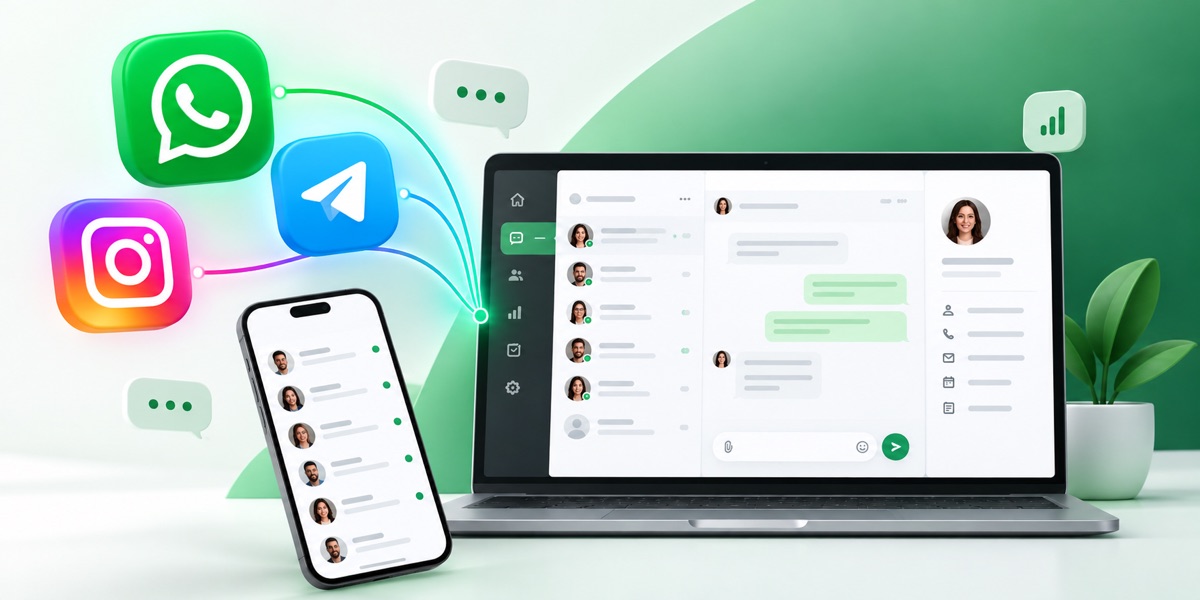
 WazzupWhatsApp, Telegram and other messengers inside the CRM: chat, history on the card, contact and deal sync.Connecting in the CRM is free. Channels are paid under the Wazzup plan: the price is per channel per month. A channel is one connected number or account: two WhatsApp numbers count as two channels. Plans differ in the monthly limit of dialogs and voice messages and the right to message a client first — INBOX doesn't have it.