 Tools
QR Platform
Dynamic QR codes: one link — change the target without reprinting, with scan stats.

| Code | Content | Status |
|---|---|---|
| Booth catalogLink Dynamic | vektor.emycrm.com/qr-platform/k7m2xqp Scans: 0 | Active |
| Wi-FiWi-Fi Static | Vektor-Guest | Active |
Code type
- Link
- https://example.com/catalog
- Name (optional)
- Booth catalog
- Total scans
- 128
- Unique visitors
- 96
Scans by day
Devices
- Phone104
- Desktop18
- Tablet6
A QR-code cabinet right in the CRM. Dynamic codes (link, phone) go through a short address, so the target can be changed without reprinting. Static ones (text, Wi-Fi, SMS, e-mail, geolocation) bake the data right into the image. Dynamic codes come with statistics: how many scans, when, from where (country and city), from which device, OS and browser.
QR codes are made in third-party generators: to change the link the code is reprinted, and how many times it was scanned is unknown.
Codes are created in the CRM, a dynamic code's target changes without reprinting, and scans show statistics — how many, when and from which devices. All in one cabinet.
What you get
- Dynamic codes (link, phone): change the target without reprinting
- Static codes: text, Wi-Fi, SMS, e-mail, geolocation
- Dynamic code statistics: scans by day, geography, device, OS, browser, language
- Roles inside the app; the statistics retention period is configurable
How to connect
- 1Enable the appIn the Marketplace click “Connect” (the administrator connects it). The section opens with the “Open” button; the “Pin to the main menu” star adds it to the left menu.
- 2Choose a planIn the codes cabinet click “Buy a plan” and choose the limit: 5,000 or 15,000 codes per month, or unlimited. The money is charged to the account balance.
- 3Grant accessOn the “Access” tab give employees a role: Admin (creates and edits codes) or Manager (view only). Without a role the app won't open for the employee.
- 4Create codesCreate a dynamic or static code, click “Download PNG” and watch the scan statistics.
 Tools
 1CIntegration with 1C:Enterprise (Trade Management): 1C pushes data into the CRM over the «website exchange» protocol (CommerceML) — you don't need to expose 1C to the internet, it works even behind NAT. Products, prices and stock, counterparties and orders arrive in the CRM. Connected by an administrator for the whole account.Free — there's no separate charge for the app. Transfer goes only from 1C to the CRM; the reverse direction (CRM to 1C) is not supported yet.
 Tools
 AI Call analyticsManager call dashboard: ranking, calls, talk minutes, clients and answered % — with a period filter and sorting by any metric.Free — there's no separate charge for the app.
 Tools
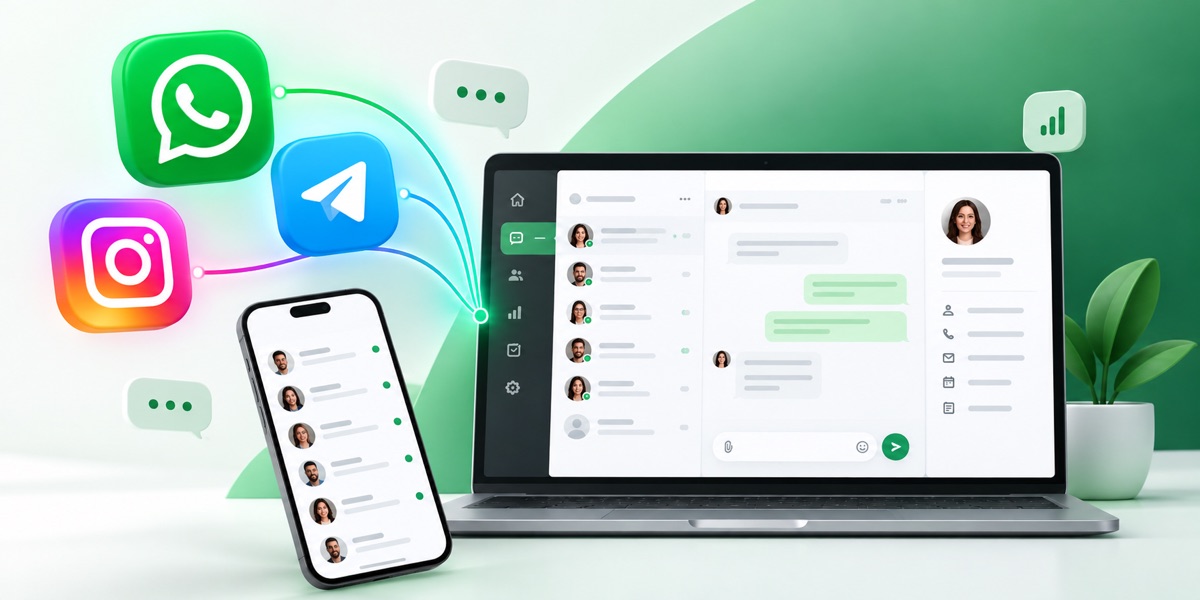
 WazzupWhatsApp, Telegram and other messengers inside the CRM: chat, history on the card, contact and deal sync.Connecting in the CRM is free. Channels are paid under the Wazzup plan: the price is per channel per month. A channel is one connected number or account: two WhatsApp numbers count as two channels. Plans differ in the monthly limit of dialogs and voice messages and the right to message a client first — INBOX doesn't have it.