 Tools
Bonus system
Loyalty program: every purchase credits bonus points to the contact and the company — a percentage of the purchase amount. The balance shows in the card header.

- Equipment supply10 000 leiNegotiation
Base accrual percent: 5 %
- Points balance
- 500
- For the first purchase+500 pointsGrant
Points expire 6 months after the purchase date.
A loyalty bonus program: for every deal, points are accrued to the contact and the company — a percentage of the amount. The balance shows in the card header, points can pay for a purchase, and unused ones expire after half a year. Accrual happens on its own and isn't doubled on re-import.
A loyalty program is counted in a separate spreadsheet: accruals are entered by hand, the client's balance isn't visible anywhere, and a manager can't say “how many points they have”.
Points are accrued on their own when a deal closes, and the balance shows right on the contact and company card. Points pay for a purchase, old ones expire by the rule — the loyalty program runs without manual bookkeeping.
What you get
- Auto-accrual of points for a deal — a percentage of the amount
- The balance in the contact and company card header
- Tiered rules (VIP by turnover) and one-time bonuses
- Redeeming points by hand on the client's card — when the client pays with points
- Unused points expire after half a year
- Re-exporting a deal from 1C doesn't double the points; editing the amount recalculates the accrual
How to connect
- 1Enable the appFree, in the Marketplace. Setup is on the app's card.
- 2Set the accrual rulesSet the “Base accrual percent”; if needed, turn on “Tiered accrual” (tiers by purchase amount, VIP by yearly turnover) and “Extra bonuses” — these are granted by hand with a button on the card.
- 3Work as usualPoints are accrued when a deal closes; the balance and operations show on the client's card.
 Tools
 AI Call analyticsManager call dashboard: ranking, calls, talk minutes, clients and answered % — with a period filter and sorting by any metric.Free — there's no separate charge for the app.
 Tools
 QR PlatformDynamic QR codes: one link — change the target without reprinting, with scan stats.Connecting is free; creating codes requires a paid plan: 5,000 codes, 15,000 codes per month or unlimited. Payment is monthly and is charged to the account balance. Deleting a code doesn't give it back to the limit. Without a plan you can't create new codes, but already-created ones keep working.
 Tools
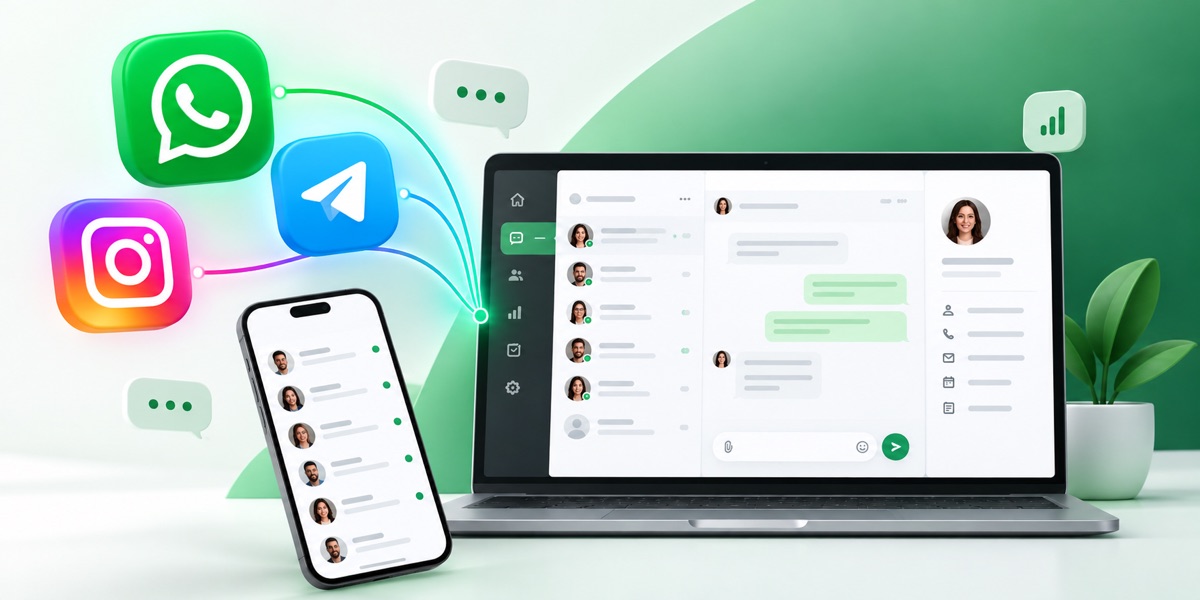
 ReconnectWhatsApp, Telegram and other messengers inside the CRM: chat, history on the card, contact and deal sync.Connecting in the CRM is free. Channels are paid under the Reconnect plan: the price is per channel per month. A channel is one connected number or account: two WhatsApp numbers count as two channels. Plans differ in the monthly limit of dialogs and voice messages and the right to message a client first — INBOX doesn't have it.