 Competências
Resumo da ficha para emyCRM
A IA transforma o histórico do cartão — chamadas, chats, notas — num resumo conciso: quem é o cliente, o que foi acordado, os riscos e o passo seguinte. Muito útil ao transferir clientes ou para se inteirar rapidamente da situação.

- Chamada · 3 min 42 s
- Chat do WhatsApp · 6 mensagens
- Proposta enviada
Aquisição de 40 unidades de equipamento até ao final do mês. O diretor toma a decisão.
- Acordos
- Pagamento em prestações durante três meses
- Primeiro pagamento após a entrega
- Riscos
- O diretor ainda não aprovou o orçamento
- Próximo passo
- Validar o contrato com o diretor.
Gerado a 21/11/2026 · Emy AI · confirme os detalhes importantes no histórico
The ✨ “AI history summary” button on the company, contact, lead and deal cards gathers the card fields, recent calls (with the transcript, if there is one), chats, notes, open tasks and deals — and returns a short brief: what was agreed, the risks, and the next step.
A customer's history is scattered across the card: hundreds of lines of calls, chats and notes. To get up to speed before a call or hand the customer to a colleague, you have to reread all of it — minutes of time, and something important still slips through.
One button — and instead of a wall of history, a short brief: the gist, the agreements, the risks and what to do next. A new manager gets up to speed in half a minute; the boss sees the status without pulling up the whole history.
O que obtém
- A brief on a company, contact, lead and deal — from one button
- Fields, recent calls, chats, notes, open tasks and deals — in one brief
- Calls out agreements, risks and the next step separately
- A ready recap before a call or when handing a customer to a colleague
Como ligar
- 1Enable the skillIn the Marketplace → Emy AI, enable “Card summary”. There are no separate settings.
- 2Open a cardGo into any company, contact, lead or deal.
- 3Click ✨ in the card headerIn the “AI history summary” window click “Generate”. The brief is saved on the card; when the history changes, click “Refresh”.
 Competências
 AI Assistant ProAções de IA com confirmação no Emy AI: criar uma tarefa ou um negócio, atribuir um responsável.Billed monthly per skill, within Emy AI. First 3 days are free.
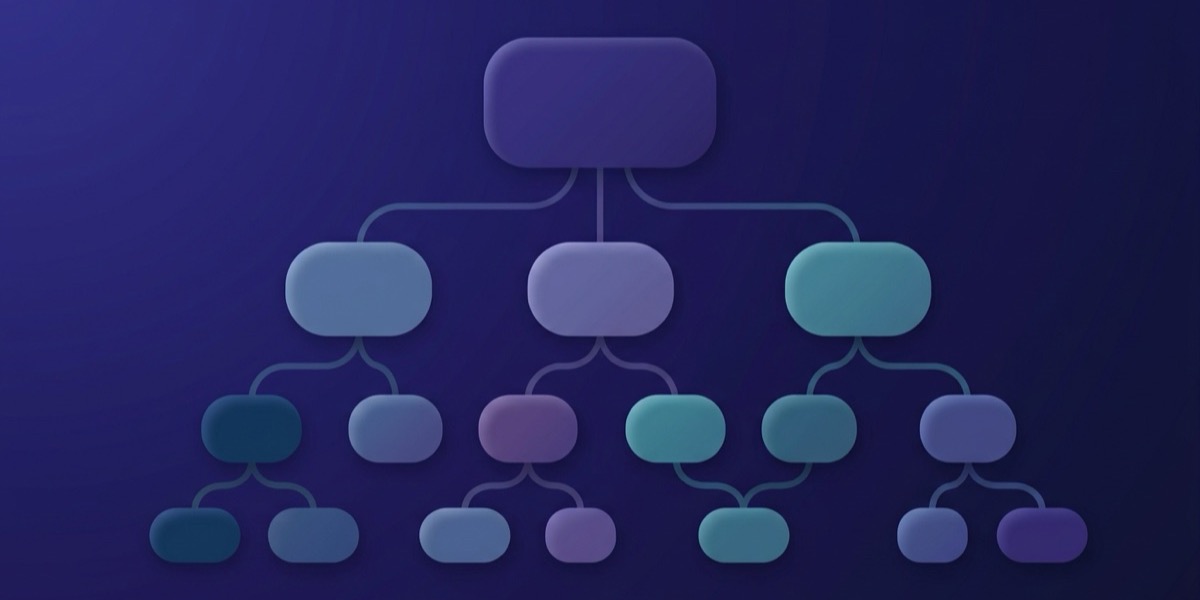 Competências
 IVR com IAUm construtor de chamadas de entrada: saudação e menu de voz, encaminhamento para um colaborador, departamento ou fila, correio de voz e pedidos no CRM. Monta o fluxo com o rato, sem necessidade de programadores.Free — no subscription fee and no charge for voicing. Call minutes are paid to your SIP provider. Uzbek and Kazakh voices need your own Azure key — that usage is billed by Azure.
 Competências
 AI InsightsA IA analisa cada chamada: um breve resumo da conversa, sugestões para o gestor e uma pontuação segundo os critérios do supervisor. A transcrição já está incluída — não é necessária uma subscrição separada. Os planos têm preços baseados em minutos analisados por mês.Billed by the minutes of reviewed calls. The free plan is 200 minutes a month; beyond that, plans for 1,000, 2,500 and 5,000 minutes. Out of minutes — top up with a 1,000-minute pack for $7.