 Tools
Survey sheets
Technical questionnaires filled in step by step: a template per equipment type, a shared field library, edit history and automatic document generation from your own .docx files. Set up without a developer.

No sheets yet
Create a sheet from the right template — the questions come with it.
Which template?
- ОЛ-114-1Industrial pumpDraft
Step 2 of 5
- Flow rate, m³/h
- —
- Head, m
- —
- Mains voltage
- —
Survey sheets for collecting technical data about a client or equipment: a field and template builder, versions, answer checks. A sheet lives in a card tab, the client can be sent a public link to fill in, and from a completed sheet a document (.docx, PDF, XLSX) is built from your template.
Technical questionnaires are kept in Word and Excel: different versions, filled in by email, and assembling the final document from a template is manual copy-paste work.
A questionnaire is built once, the client fills it in via a link without logging into the CRM, and the document from the template forms automatically — in one consistent look and without transfer errors.
What you get
- A field and template builder per equipment type, with versions
- A “Survey sheets” tab on deal, company, contact or lead cards — wherever you turn it on
- A public link to the client to fill in — no CRM login
- A document from your .docx template — as .docx or PDF; the sheet's answers — as an XLSX table
- Answer checks: warn, block completing the sheet, or make a field required; a field library with an archive
How to connect
- 1Enable the appFree, in the Marketplace. Setup is in Settings → Survey sheets.
- 2Build the fields and a templateOn the “Fields” and “Templates” tabs set up the fields and a template for your equipment type; add “Checks” if needed.
- 3Fill in and build the documentFill in the sheet on the card or click “Issue a customer link”; get the finished document with the “Generate the document” button.
 Tools
 AI Call analyticsManager call dashboard: ranking, calls, talk minutes, clients and answered % — with a period filter and sorting by any metric.Free — there's no separate charge for the app.
 Tools
 QR PlatformDynamic QR codes: one link — change the target without reprinting, with scan stats.Connecting is free; creating codes requires a paid plan: 5,000 codes, 15,000 codes per month or unlimited. Payment is monthly and is charged to the account balance. Deleting a code doesn't give it back to the limit. Without a plan you can't create new codes, but already-created ones keep working.
 Tools
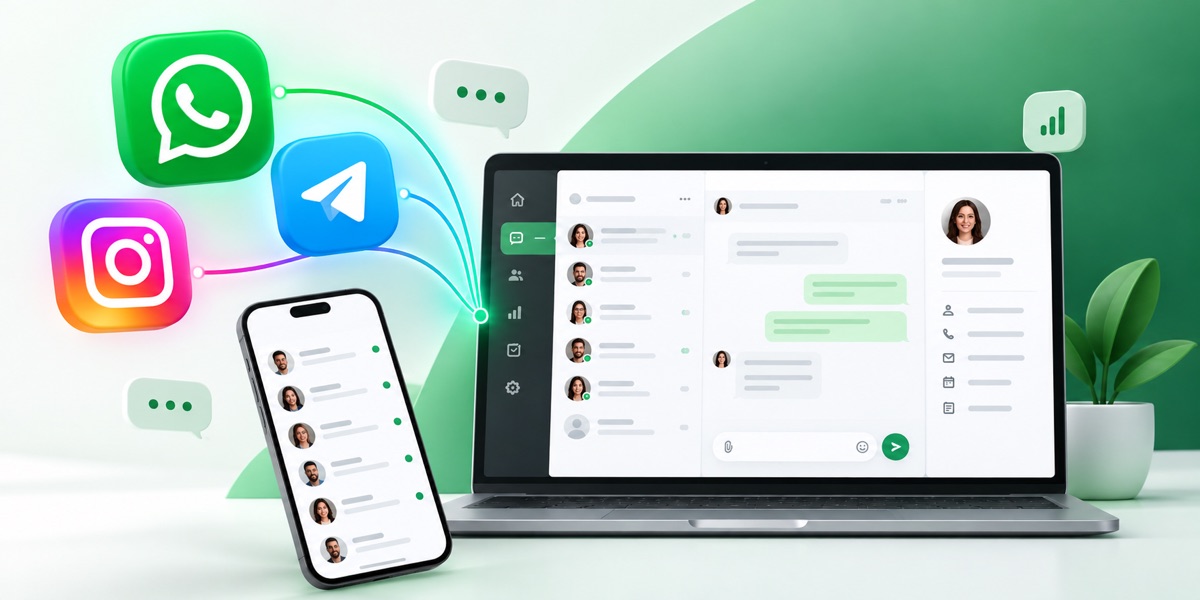
 ReconnectWhatsApp, Telegram and other messengers inside the CRM: chat, history on the card, contact and deal sync.Connecting in the CRM is free. Channels are paid under the Reconnect plan: the price is per channel per month. A channel is one connected number or account: two WhatsApp numbers count as two channels. Plans differ in the monthly limit of dialogs and voice messages and the right to message a client first — INBOX doesn't have it.